A spreadsheet engine for agents
Cells is a modern spreadsheet engine, built with agentic use primarily in mind.
Use it as a browser-based alternative to Excel/Google Sheets, or as a lightweight headless CLI for your agents.
Try it right here 👇
You can drag&drop .csv & .xlsx files,
everything stays in your browser.
Made for AI agents to work with, not an agent itself
Cells defines no harness, no system prompts. The CLI is designed for agents though, delivering context-window-conscious structured outputs and using code as the main request interface.
Here’s a quick demo where you can see humans (web clients) collaborating with Grok Build (using the CLI):
Install the agent skill (recommended), then prompt for spreadsheet work like
"Open file.xlsx and fix formulas":
curl -fsSL https://raw.githubusercontent.com/aduermael/cells/main/install-skill.sh | shScriptable
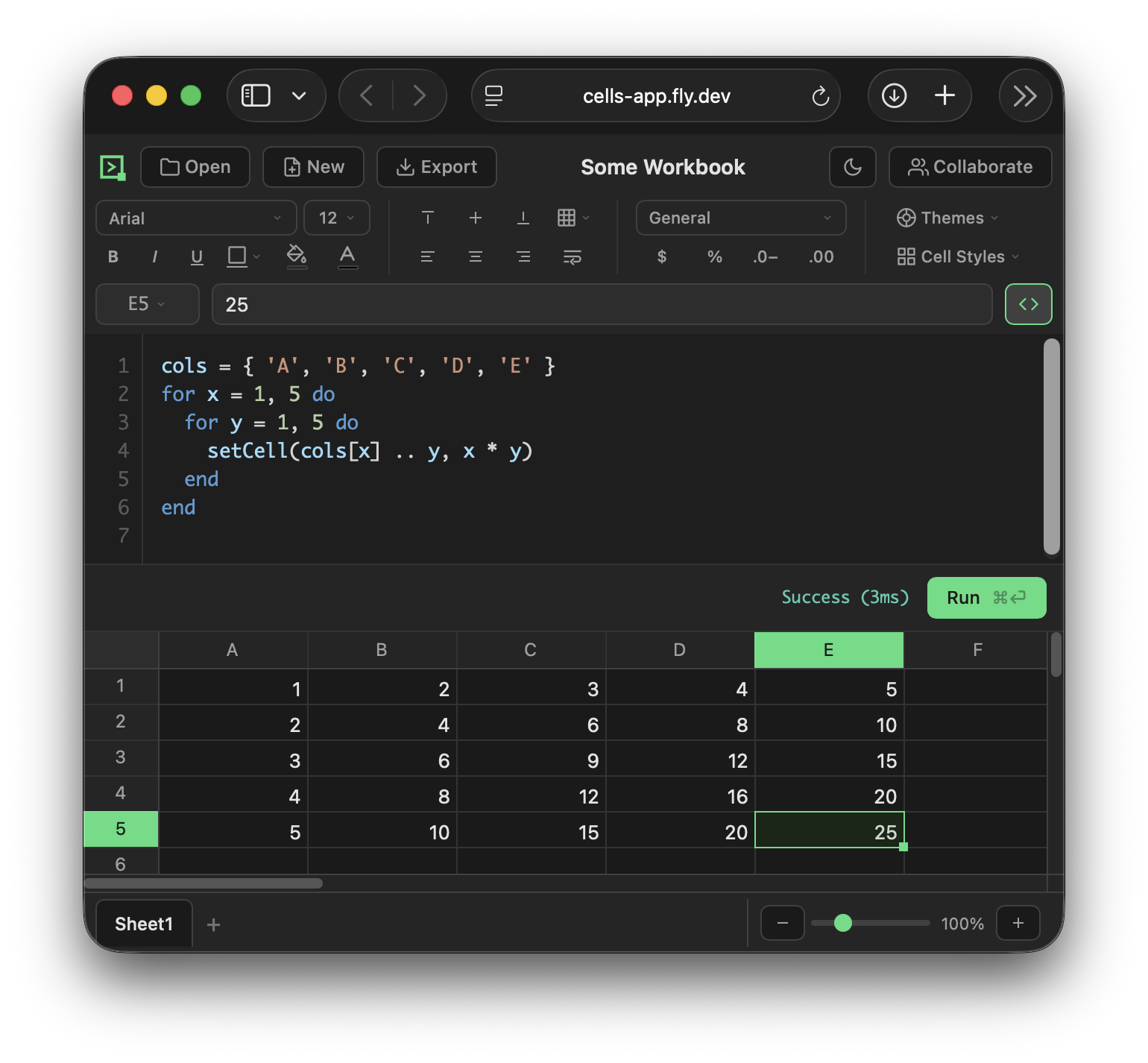
Cells is built from the start as a fully scriptable Lua/Luau runtime. (Python, VBA and TypeScript not yet supported but planned.)
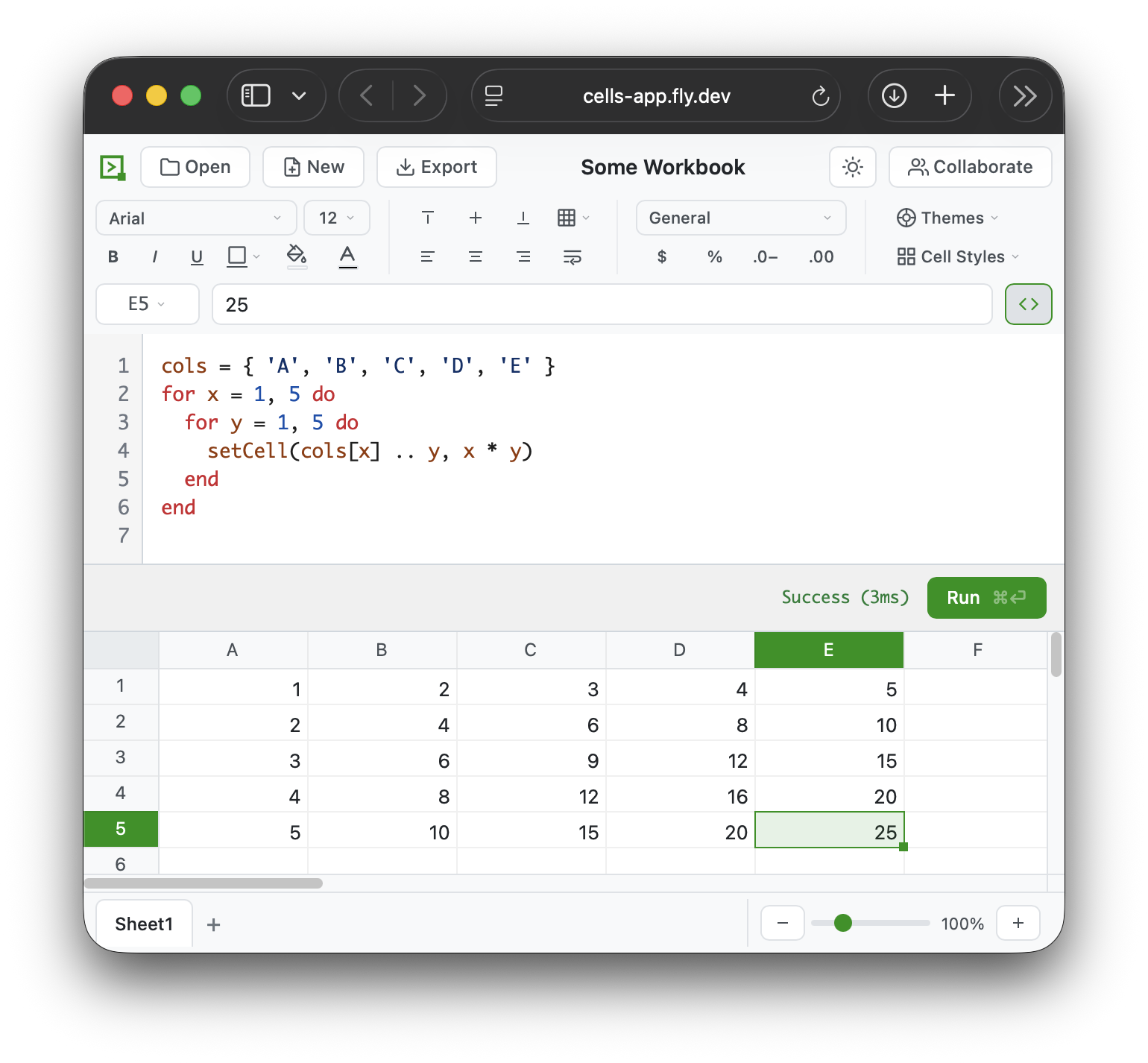
# Run inline script
cells -i data.csv output.xlsx -e 'setCell("A1", 100)'

# Run a script file
cells -i data.xlsx output.csv --script transform.luau

# Script-only mode (no output file)
cells -i report.xlsx --script analyze.luau
cells -i data.csv -e 'print(getCell("A1"))'
Install
Install methods for the CLI, in order of preference:
1. Agent skill (recommended)
Best default for agentic workflows. Installs a skill that knows how to install
and use cells:
curl -fsSL https://raw.githubusercontent.com/aduermael/cells/main/install-skill.sh | sh
The skill gets installed for Claude Code, Codex and Grok Build in your working
directory. After this, just prompt for spreadsheet work like
"Open file.xlsx and fix formulas".
2. Homebrew
brew install aduermael/tap/cells3. Direct install (curl | sh)
Downloads the platform binary from the latest GitHub Release:
curl -fsSL https://raw.githubusercontent.com/aduermael/cells/main/install.sh | sh4. Build from source
bazel run :cli          # → dist/cli/cells
bazel run :cli-release  # optimized